Cloudflare R2 + Workers: when zero egress actually works
Cloudflare R2’s zero-egress claim is one of the few pricing features that actually changes architecture decisions. When it works, the difference versus S3 or GCS can be an order of magnitude on the traffic line. When it does not, you simply trade egress charges for request and storage charges that can be higher. The boundary is narrower than the marketing suggests, so I treat every new R2 workload as an experiment with clear success criteria rather than a default migration.
I migrated one media library that was generating roughly 8 TB of S3 egress per month. After the move to R2 + a thin Worker the egress line dropped to zero and the new request + storage charges came in under $200. The same month a different team moved a high-churn log bucket and the request charges exceeded the old egress bill. Both outcomes were predictable once the access patterns were measured; the marketing page alone would not have told either team which side of the line they were on.
What “zero egress” really covers
On current R2 pricing, data leaving R2 toward the public internet does not incur the classic per-GB egress fee that S3, GCS and Azure Blob charge. Traffic that stays inside Cloudflare (Workers, Pages, other R2 buckets in the same account) is also free of egress. That is the part that is real and useful.
The parts that still cost money:
- Storage (per GB-month).
- Class A operations (writes, lists, deletes) and Class B operations (reads).
- Certain operations that cross out of the Cloudflare network in ways the pricing page currently treats differently — always re-check the live docs for the exact path you care about.
High-frequency listing of large prefixes, or serving millions of tiny objects, can make the request charges larger than the egress you avoided on another provider. I have seen that happen on thumbnail-heavy workloads and on log-export buckets that were listed constantly by monitoring tools.
When the combination with Workers is worth it
Workers sit in front of R2 and let you add caching headers, authentication, transforms or simple routing without standing up a separate origin. The pattern that consistently saves money for me is:
- Object is stored in R2.
- Worker does a cheap check (auth, path rewrite, or cache-key normalisation).
- Worker returns the object with long Cache-Control so subsequent requests can be satisfied at the edge or by the browser.
A minimal working example:
export default {
  async fetch(request, env, ctx) {
    const url = new URL(request.url);
    let key = url.pathname.slice(1);
    if (key === "" || key.endsWith("/")) key += "index.html";

    // Optional: simple auth gate
    const auth = request.headers.get("Authorization");
    if (!auth || auth !== `Bearer ${env.SECRET}`) {
      return new Response("Unauthorized", { status: 401 });
    }

    const object = await env.ASSETS.get(key);
    if (object === null) {
      return new Response("Not found", { status: 404 });
    }

    const headers = new Headers();
    object.writeHttpMetadata(headers);
    headers.set("etag", object.httpEtag);
    headers.set("Cache-Control", "public, max-age=86400, immutable");
    headers.set("Access-Control-Allow-Origin", "*");

    return new Response(object.body, { headers });
  },
};
Deploy with wrangler, bind the R2 bucket, and you have a private-or-public asset server whose egress line is zero for internet clients. The same Worker can also enforce signed-URL style checks or geo restrictions if needed.
Cases where R2 + Workers is the wrong tool
- Extremely high request rates on objects smaller than a few KB. Request charges dominate.
- Workloads that already live entirely inside another cloud and would require constant cross-cloud copies into R2. The copy traffic and complexity often erase the saving.
- Applications that need strong consistency guarantees or features that R2 does not (yet) expose at the same level as the primary object store of a major cloud.
- Teams that have no operational familiarity with Workers and would need a new on-call surface just for the delivery path.
In those situations I keep the objects on the original store and put a conventional CDN in front, or accept the egress and optimise the volume instead.
Measuring whether the move actually paid off
Before migration I capture:
- Average daily egress GB from the old store.
- Request counts (GET/PUT/LIST) if available.
- Storage size.
After migration I compare the new R2 storage + Class A/B charges against the old egress + storage. The break-even is usually obvious within the first full month. If request charges are higher than expected, the first levers are longer cache TTLs, fewer LIST operations, and combining small objects into larger archives where the access pattern allows.
# Rough cost comparison sketch (replace with real numbers from your bill)
# Old: 2 TB egress/month * $0.09 = $180
# New: 2 TB storage * $0.015 + 10 M Class B * $0.36/M = $30 + $3.6 = $33.6
# Saving is real only if the request volume stays in the modelled range
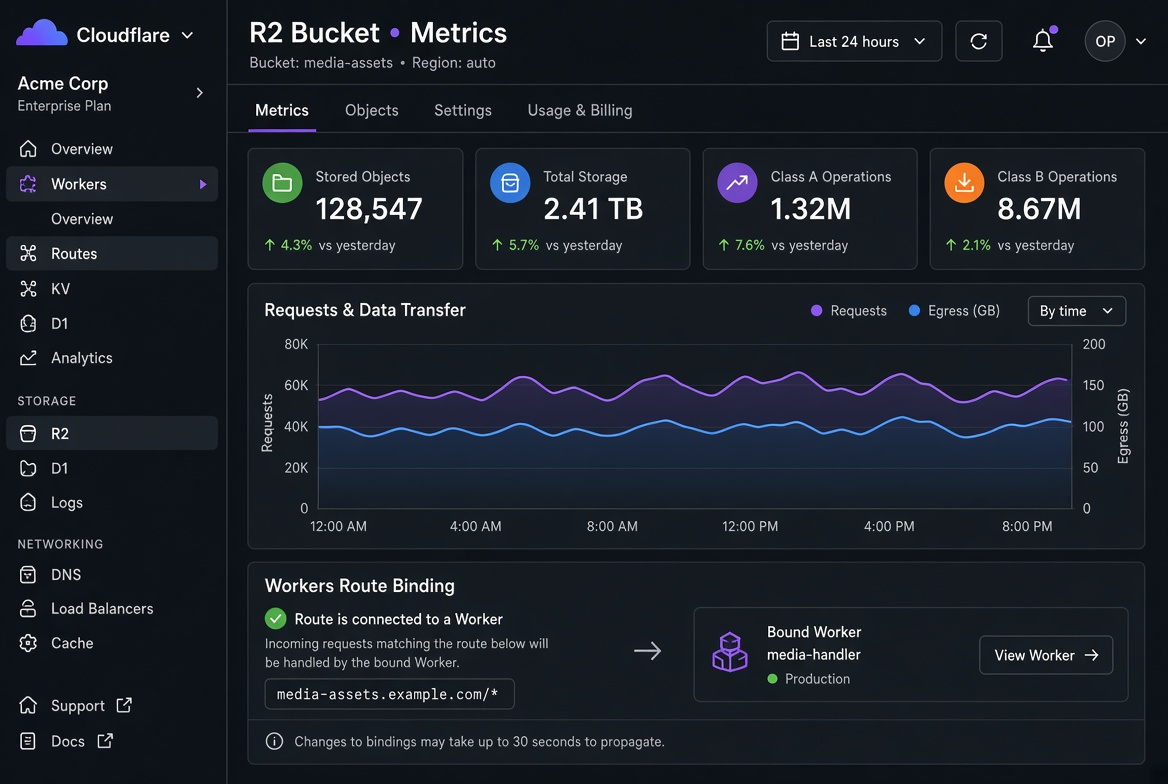
I also watch the Worker CPU time and the R2 operation metrics in the Cloudflare dashboard. Spikes in LIST or unexpected PUT patterns are usually application bugs that would have been expensive on any store.
Practical migration notes
- Use rclone or the S3-compatible API to copy data. R2 speaks the S3 API for most common operations. For large buckets I run the copy in parallel with a modest concurrency limit to avoid throttling.
- Keep the old bucket read-only for a week after cut-over so you can fall back if a client still points at the previous URL.
- Update any pre-signed URL generation or SDK endpoint configuration; hard-coded regional endpoints are a frequent source of residual traffic to the old store.
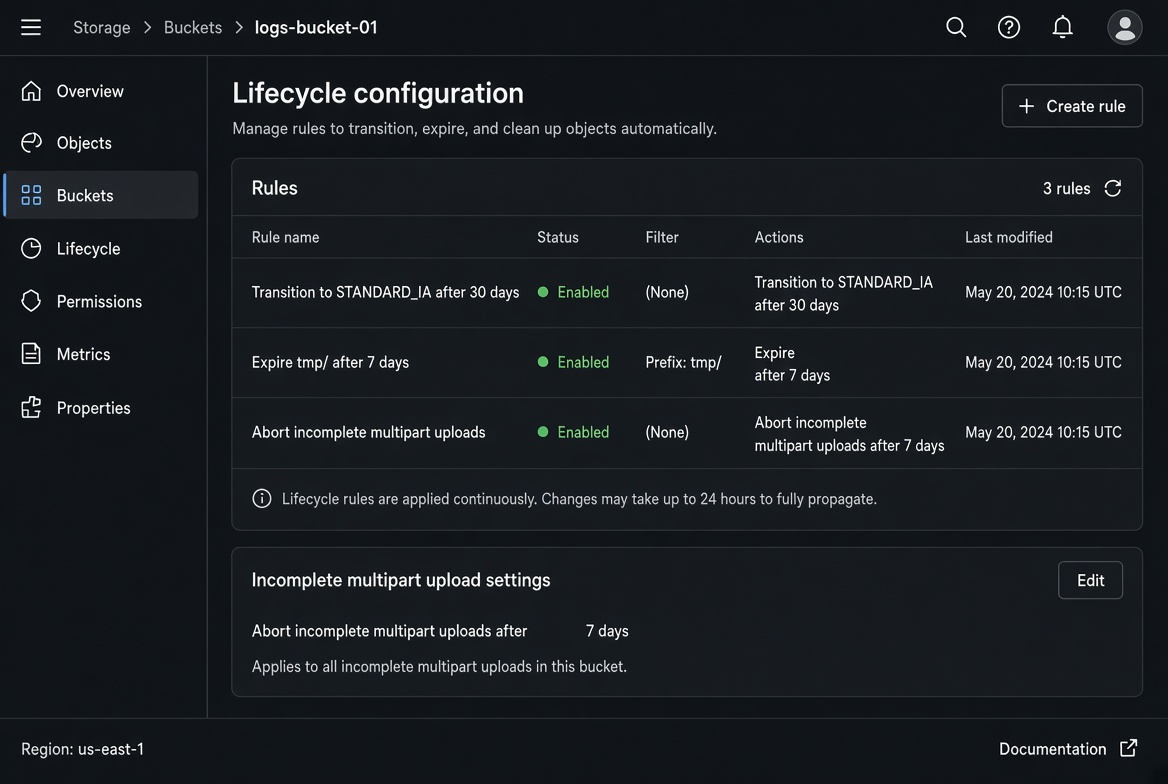
- Lifecycle rules still matter. Zero egress does not make indefinite retention free. I still apply expiration on temporary prefixes and transition rules where the access pattern allows colder storage.
- Test range requests and conditional GETs if your clients use them; behaviour can differ slightly between providers and it is better to discover that before the cut-over.
I also run a small canary: point 5–10 % of traffic (or a single less-critical hostname) at the new Worker for a few days and compare error rates, latency and the resulting R2 operation counts against the prediction. Only after the canary looks clean do I flip the main traffic.
The decision rule I use
If the dominant cost on the current object store is internet egress, the access pattern is read-heavy, and request rates are moderate, R2 + Workers is usually a net win. If the dominant cost is already storage or high-frequency small-object operations, the move often just relocates the bill.
I run the numbers through the Storage and Egress calculators with the measured volumes before any cut-over. The calculators will not know Cloudflare’s exact request pricing, but they force the comparison to be quantitative. After the first month on R2 I revisit the same spreadsheet with real charges and decide whether to keep, expand, or roll back.
Zero egress is real. It is not free, and it is not universal. Used inside its boundary conditions it removes an entire class of surprise traffic charges; used outside them it simply creates a different line item that still needs management.
One more operational detail that has bitten more than one migration: Workers have their own CPU-time and subrequest limits. A Worker that does heavy transformation on every request, or that fans out to multiple R2 gets, can hit those limits and start returning errors or burning the paid Workers tier. Keep the Worker thin; put complex logic in the client or in a separate service if it is not needed on the hot path.
I also keep a simple rollback plan: DNS or Worker route that can be pointed back to the original origin within minutes. The first week after cut-over is when residual clients, cached SDK configurations and forgotten hard-coded endpoints show up. Having the old bucket still available (read-only) removes the drama.
After the numbers stabilise I document the measured request rate, the cache-hit ratio at the Worker/edge, and the final monthly cost. That document becomes the template for the next candidate workload. Over time the team develops a shared intuition for which object patterns belong on R2 and which are better left on the original store with a conventional CDN.
The Storage and Egress calculators remain useful even after the move: they let you model “what if traffic doubles” or “what if we add a second region” without waiting for the next invoice. Plug the real R2 storage and an estimate of Class B operations into the same sheet you used for the old store and the comparison stays honest.
In short, R2 + Workers is a powerful tool when the cost you are trying to eliminate is internet egress and the access pattern cooperates. It is not a universal replacement for every object store. Measure first, migrate second, and keep the rollback path warm for the first week. That sequence has produced the cleanest outcomes for me.