Using tags and cost allocation from day one
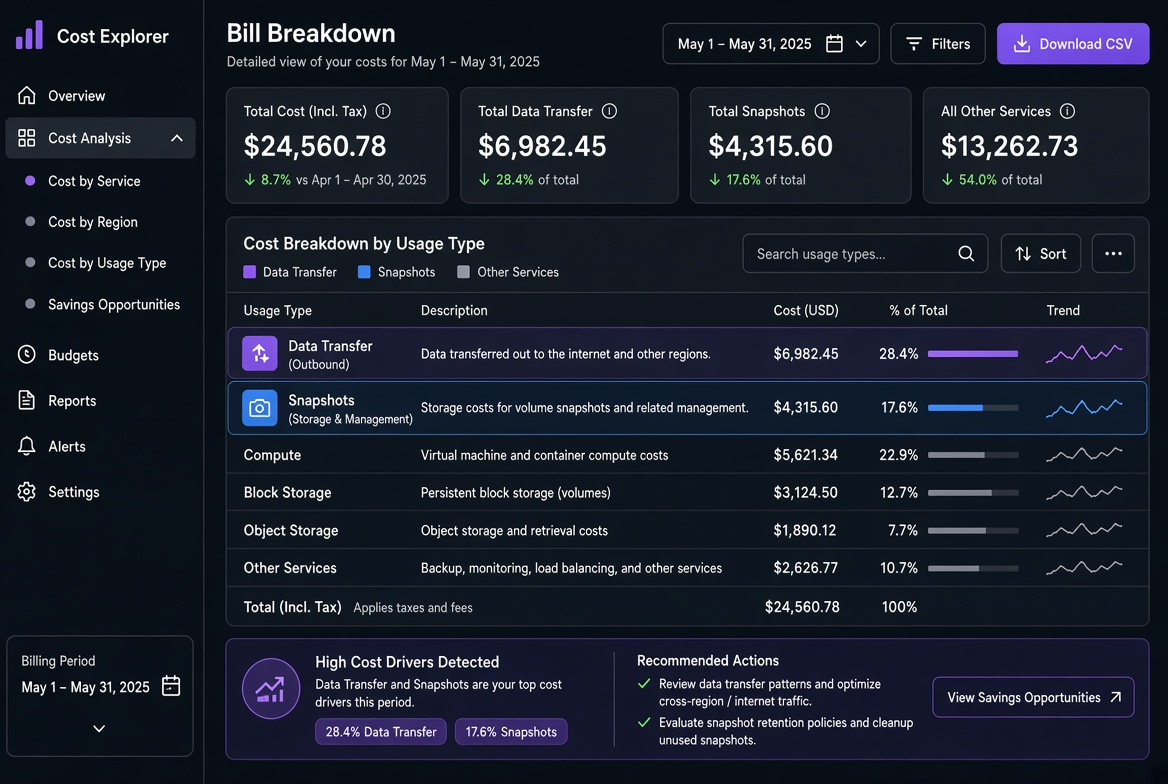
Trying to answer “which team owns this $12 k spike?” three months after launch is painful when half the resources have no tags or inconsistent ones. Cost allocation only works if the tags exist from the first resource and stay consistent. The later you start, the more manual archaeology you will do.
I inherited an account that had been running for two years with almost no tags. The first cost-allocation exercise took three engineers the better part of a month, and even then 15 % of the spend remained “shared / unknown.” New accounts that started with the required-tag policy reached >98 % attribution within the first week and stayed there.
The minimal useful tag set
I insist on these four from day one:
env: prod | staging | dev | sandboxserviceorapp: the logical service nameownerorteam: the group that pays and gets pagedcost-centerorproject: the billing bucket used by finance
Everything else (version, data-classification, etc.) is optional and added only when there is a concrete consumer.
# Terraform example – required tags on every resource
provider "aws" {
  default_tags {
    tags = {
      env         = var.env
      service     = var.service
      owner       = var.owner
      cost-center = var.cost_center
    }
  }
}
The same pattern exists for the other major clouds and for Kubernetes labels that feed cost tools.
Enforcement that actually works
Default tags in the provider or in the IaC module catch most resources. For the rest I use:
- Policy-as-code (OPA, Sentinel, cloud-native policy) that rejects creates missing required tags
- A nightly job that lists untagged or non-compliant resources and opens tickets
- SCPs or organization policies that deny certain actions without the tags
The combination of “hard to create without tags” and “visible when something slips through” keeps the coverage above 95 % with almost no ongoing effort.
Retrofitting is expensive
I have spent weeks tagging thousands of existing resources by hand or with scripts that still needed human review for the ambiguous cases. The cost of that work almost always exceeds the cost of having enforced tags from the beginning. New environments get the enforced set; old ones are cleaned only when a major cost investigation forces it.
Using the tags in the bill
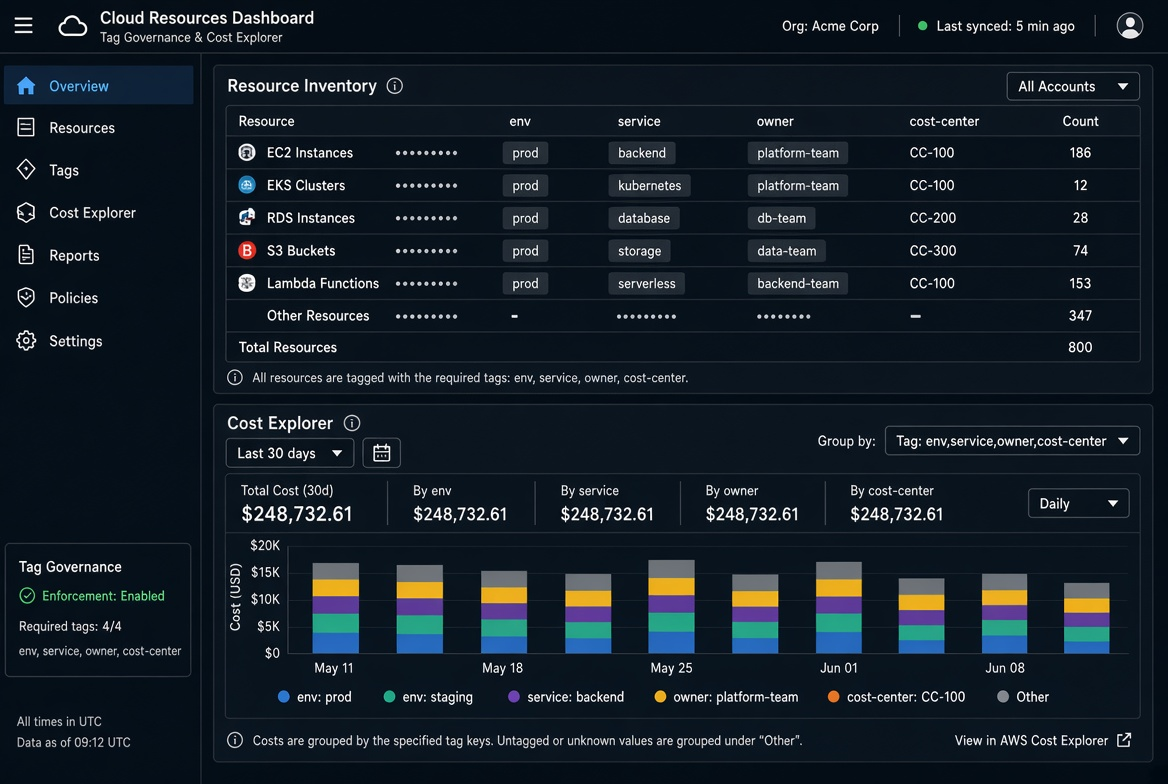
Once the tags exist, Cost Explorer / the equivalent can group and filter by them. I save a few standard views:
- Monthly cost by
cost-center - Monthly cost by
servicefor the top spenders - Untagged spend (should trend toward zero)
Those views become the input to the monthly cost review and to the charge-back or show-back process.
Tags are not glamorous. They are the cheapest way to keep cost ownership clear as the account grows. Starting on day one is a one-time decision that pays for itself every subsequent month.
I also keep a short “tag dictionary” in the team wiki that defines the allowed values for each key. When someone invents a new value the nightly compliance job flags it. Consistency of values is as important as presence of the keys; “prod”, “Prod” and “production” destroy the ability to group cleanly.
For Kubernetes I map the same four concepts to labels and ensure the cost tool (Kubecost, OpenCost, or the cloud’s container cost feature) is configured to use them. The principle is identical: ownership and environment must be machine-readable from the moment the resource is created.
When the monthly bill review starts with a clean breakdown by team and service, the conversation stays about architecture and usage instead of “who owns this untagged RDS instance.” That alone is worth the small amount of discipline required on day one.
Related tools
Small Cloud VM Cost Calculator
Compare small Linux VMs on AWS T3, Azure B-series, Google E2, and DigitalOcean Droplets, including transfer.
Object Storage Cost Calculator
Break down storage, requests, retrieval, and egress for S3, Blob, GCS, and R2.
Cloud Data Egress Cost Calculator
Estimate monthly internet and cross-region data-transfer cost from a source region.