From calculator to production: a cost-aware launch checklist
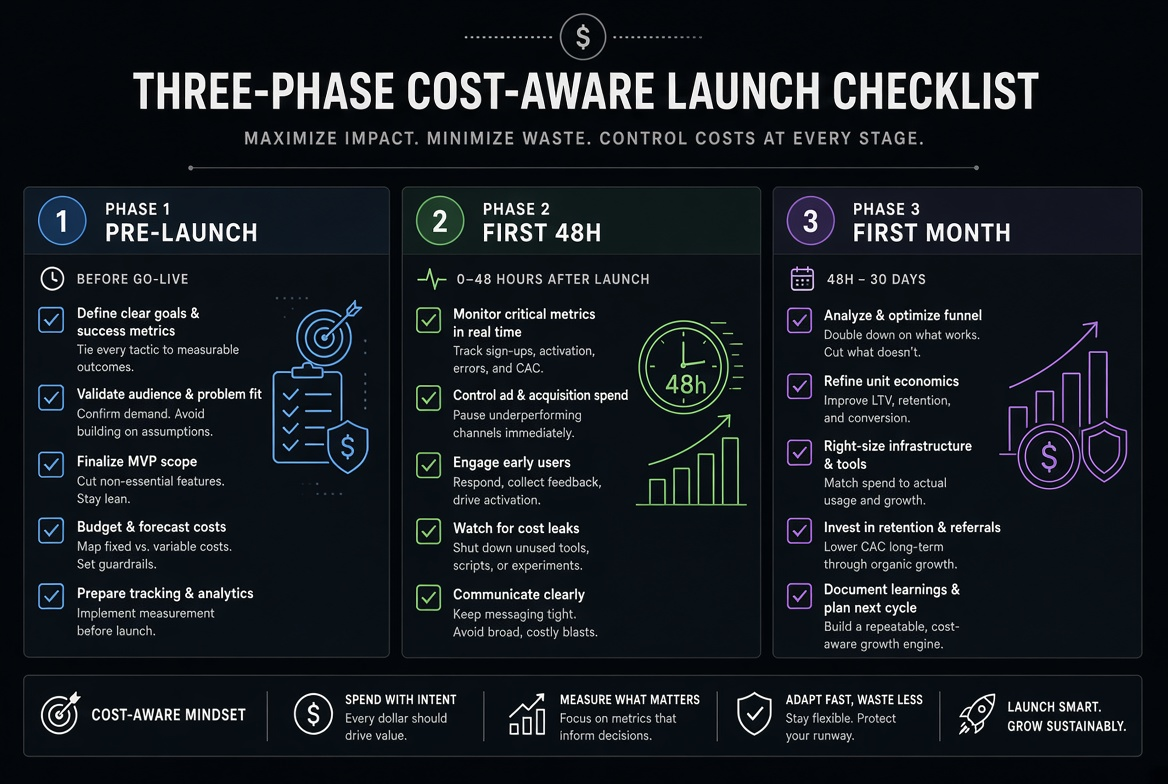
The pricing calculator is only useful if its numbers survive contact with production. This checklist turns the calculator output into three concrete phases: before launch, the first 48 hours, and the first full month. Each phase has a short list of checks that map directly to the levers covered in the previous articles.
Phase 1 – Before launch (while the security group is still locked)
- Run the relevant calculators (VM, Egress, Storage, Serverless) with realistic traffic and retention assumptions; save the numbers.
- Confirm tags (
env,service,owner,cost-center) will be present on every resource. - Decide the delivery path for any public or large-download content (CDN, R2, pre-signed, direct).
- Set snapshot / log retention explicitly; reject “keep forever.”
- Choose single-region unless multi-region is a hard requirement; document expected cross-region GB.
- For serverless, decide on-demand vs provisioned concurrency based on measured or expected cold-start impact.
- For large uploads, confirm the path is direct-to-storage.
Phase 2 – First 48 hours after launch
- Run the post-deploy security checklist (ports, SSH, updates, secrets, non-root, TLS, IAM).
- Verify the application is not proxying large uploads or downloads.
- Check that logs and metrics are arriving and that volume matches the estimate order-of-magnitude.
- Confirm no unexpected public IPs, NAT gateways or cross-region replication were created.
- Spot-check the first real egress and storage numbers against the calculator.
Phase 3 – First full month review
- Run the monthly bill-review ritual with the five numbers.
- Compare actual egress, storage and compute with the pre-launch calculator numbers; record the deltas and the reasons.
- Adjust retention, sampling, CDN TTLs or instance sizes based on the measured data.
- Update the calculator assumptions so the next service starts from a better baseline.
The checklist is deliberately short. Its purpose is to make the calculator’s numbers a living contract rather than a one-time estimate that is forgotten the moment the service is live. When every new service walks through the three phases, the gap between “what we thought it would cost” and “what it actually costs” shrinks dramatically, and the surprises move from the invoice to the design review.
I keep this checklist as a single page in the team wiki and link it from every new service’s launch plan. After a few services the team internalises the questions and the formal checklist becomes a quick confirmation rather than a discovery process.
Related tools
Small Cloud VM Cost Calculator
Compare small Linux VMs on AWS T3, Azure B-series, Google E2, and DigitalOcean Droplets, including transfer.
Cloud Data Egress Cost Calculator
Estimate monthly internet and cross-region data-transfer cost from a source region.
Object Storage Cost Calculator
Break down storage, requests, retrieval, and egress for S3, Blob, GCS, and R2.
Serverless API Cost Calculator
Estimate request and compute cost for Lambda, Functions, Cloud Run, and Workers.
Related reading
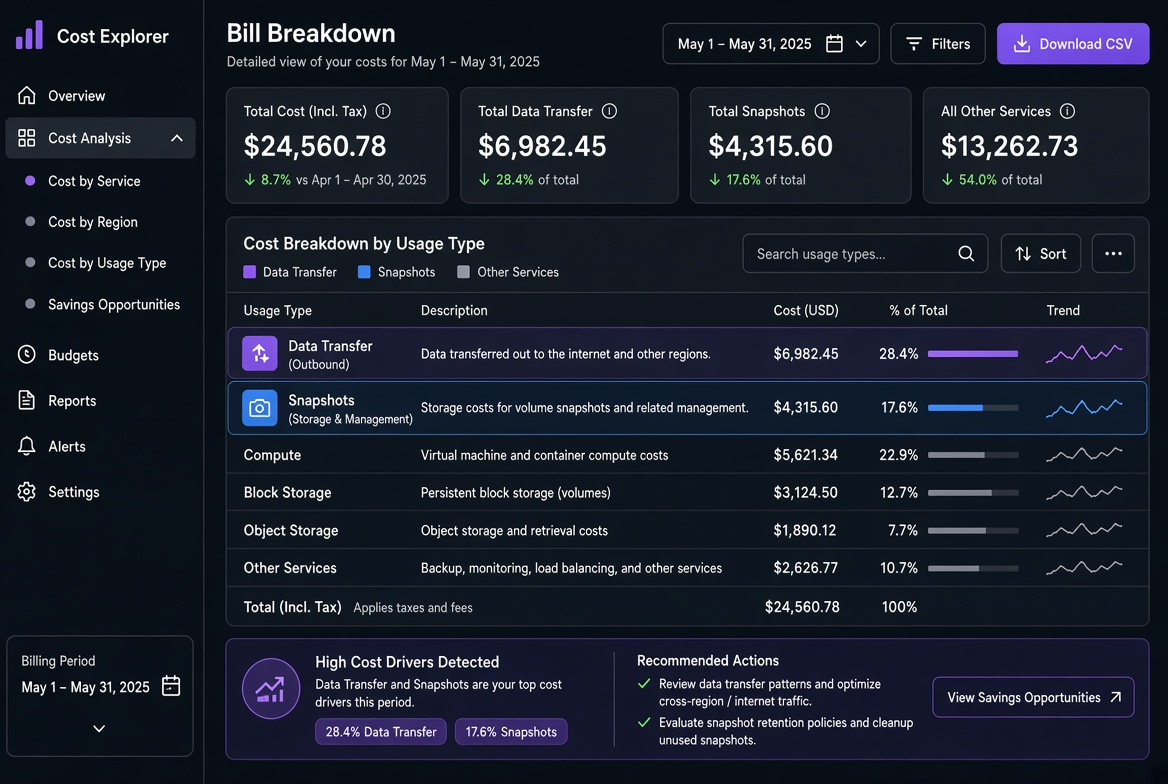
Why your first cloud bill is always higher than the calculator
The hidden line items that make the real invoice diverge from the pricing calculator: traffic, snapshots, public IPs, NAT, logging egress and the ways to find them with tags and Cost Explorer.
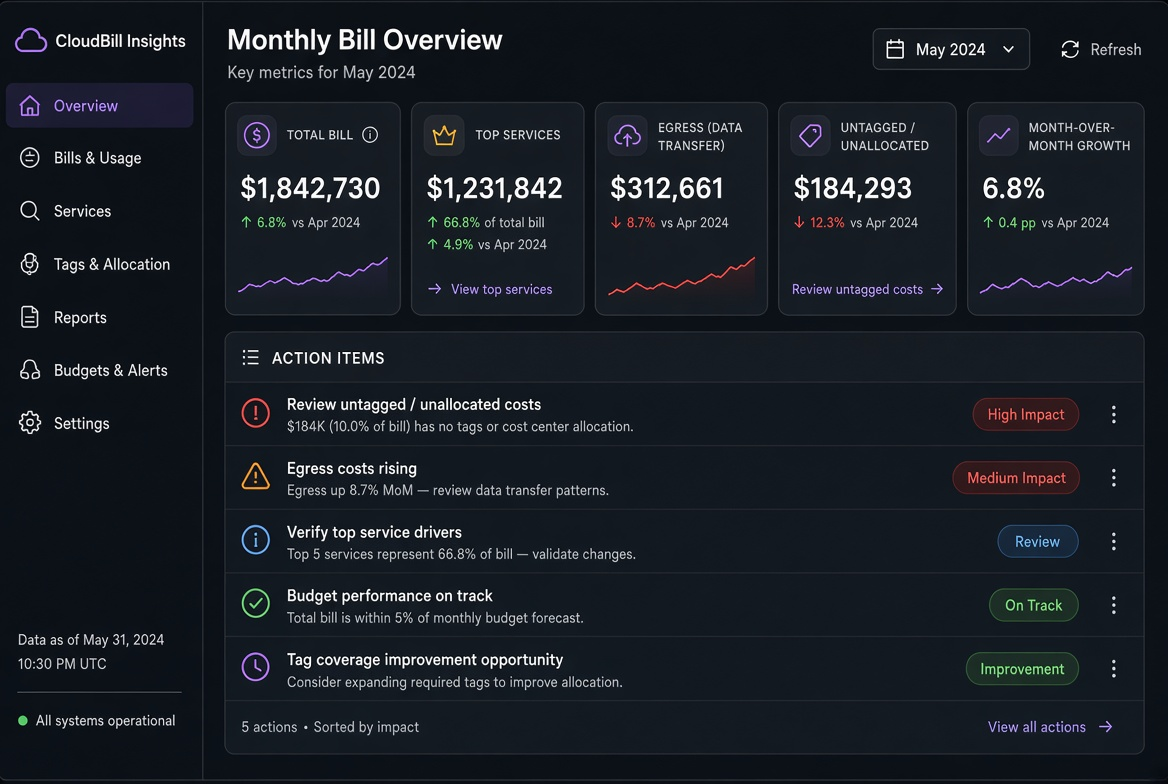
Monthly cloud bill review ritual for a small team
A fixed 30-minute process, the five numbers that matter, and an action-item template that turns cost review from a vague intention into a repeatable habit.
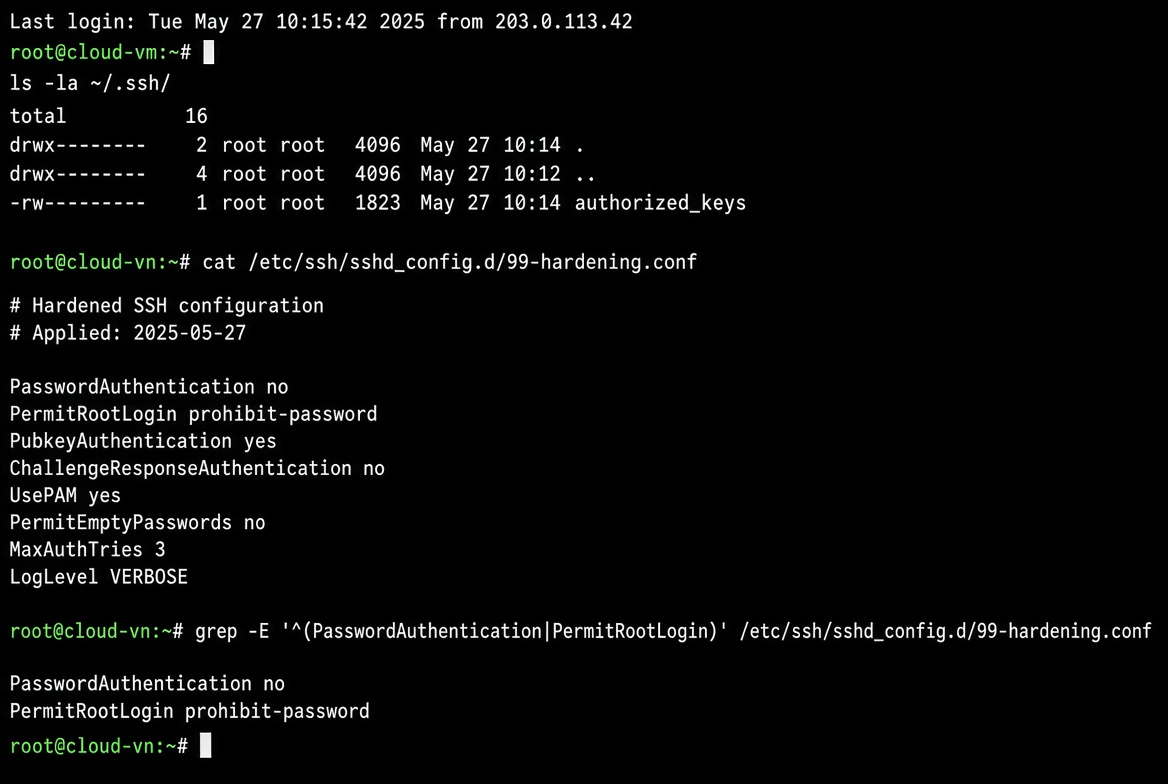
After the OS boots: the first 30 minutes on a new cloud VM
A practical, opinionated sequence for the first half hour after a fresh cloud Linux image comes online. Real order of operations from someone who has locked themselves out more than once.